2
Institute branches
Hi-Tech Institute of Computer
Hi-Tech IC hi Mizoram computer institute changtlung leh hlun ber te zing ami ani a, Mizoram State Council for Technical Education (MSCTE), Govt. of Mizoram affiliated institute a thlan zing ami kan ni.
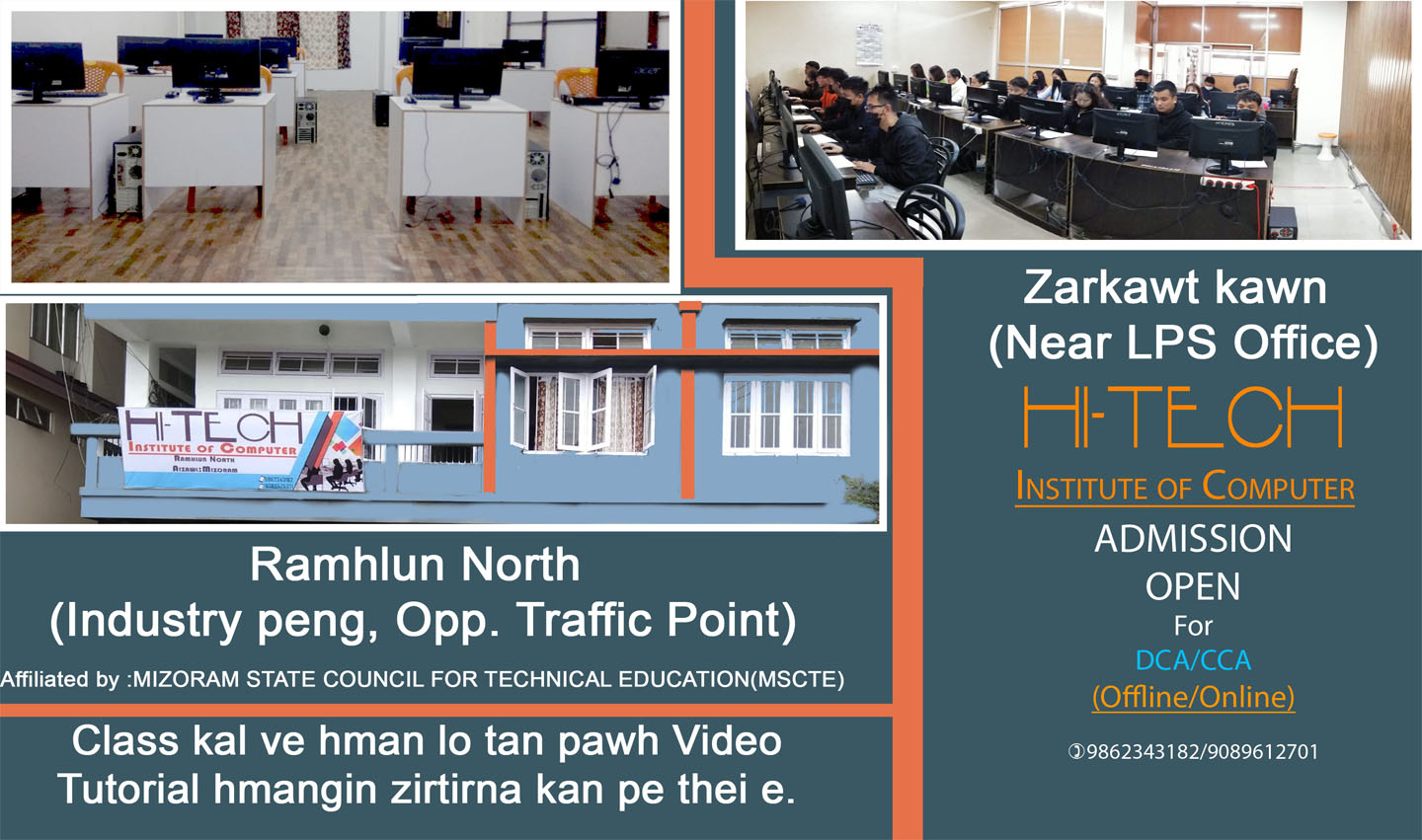
Institution hi hmun hnihah kan nei a, Zarkawt (Near LPS Office) leh Ramhlun North (Industry peng, Opp. Traffic Point) ah te a awm. Heng hmun pahnihah hian i tan a remchanna zawk zawk ah admission tih theih a ni a, class pawh offline emaw online a kal theih a ni.
2
Institute branches
5
Career-focused courses
100%
Practical lab learning
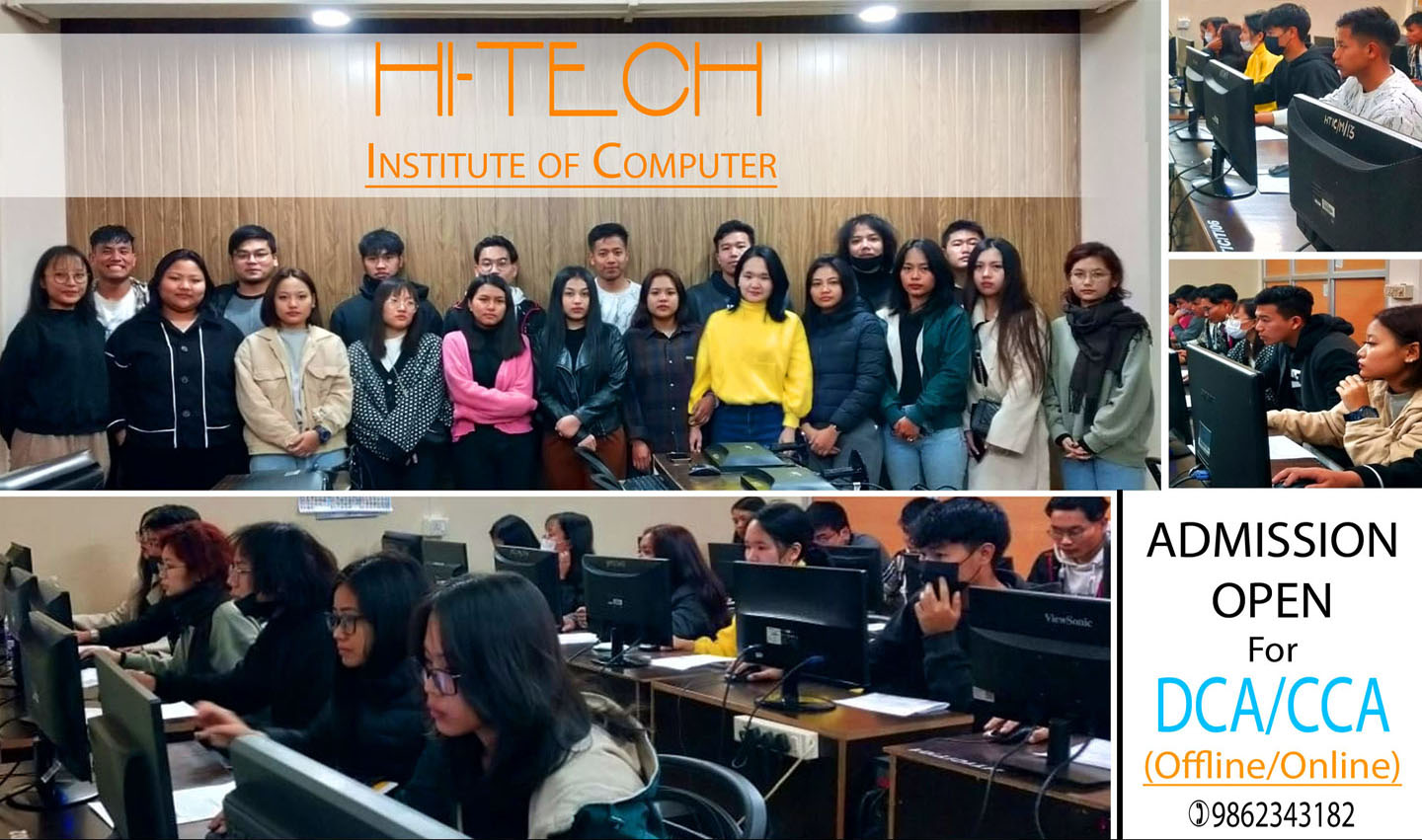
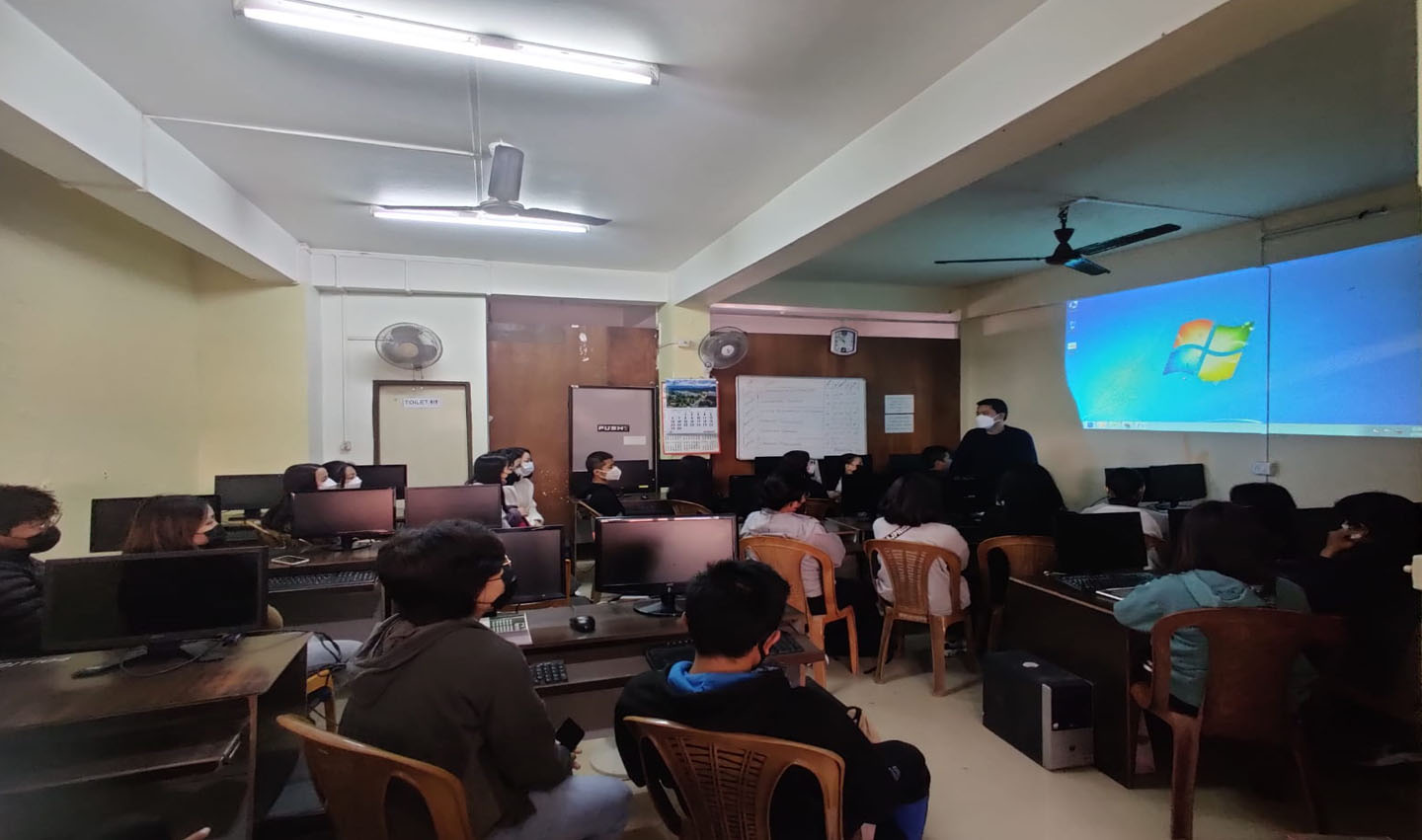

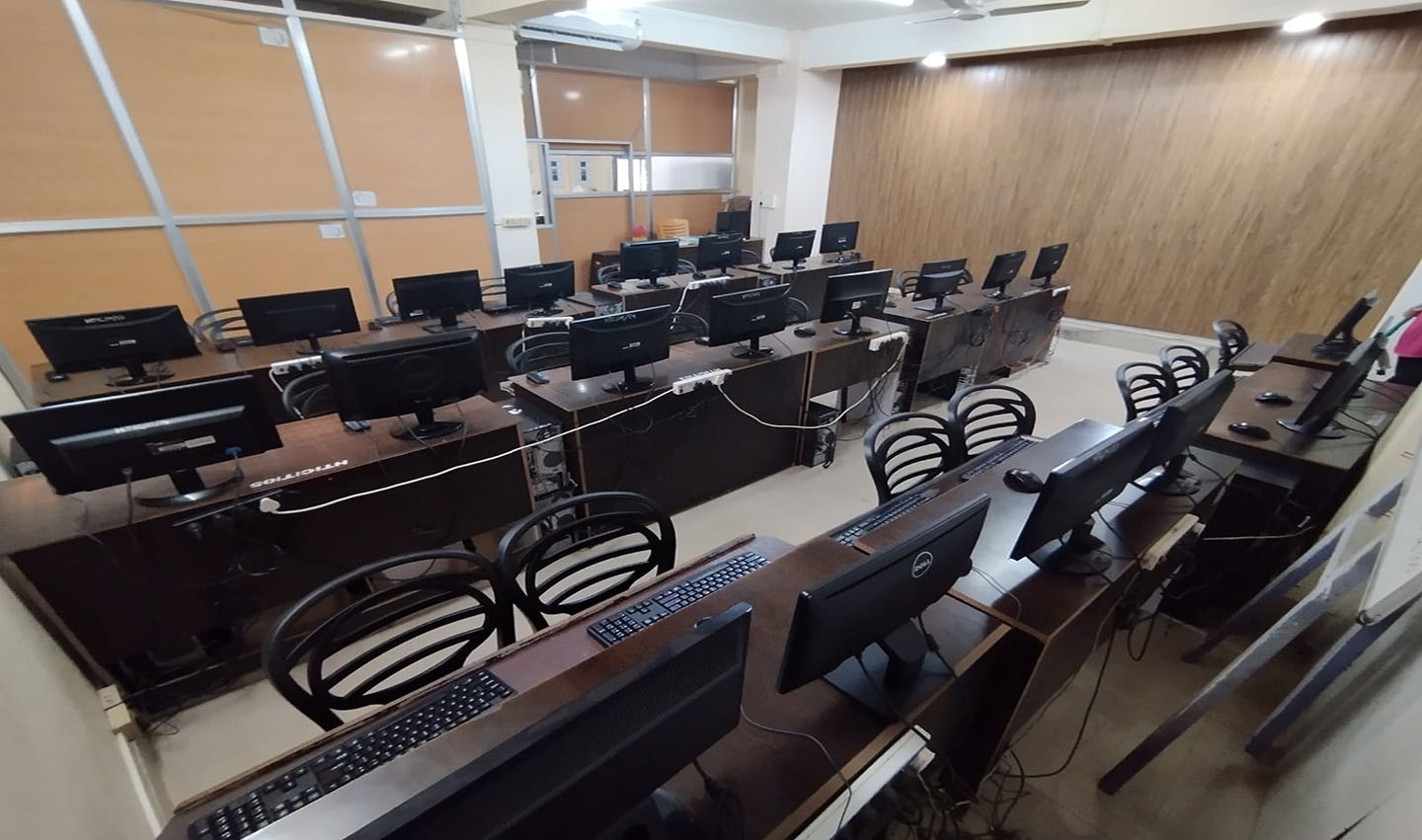
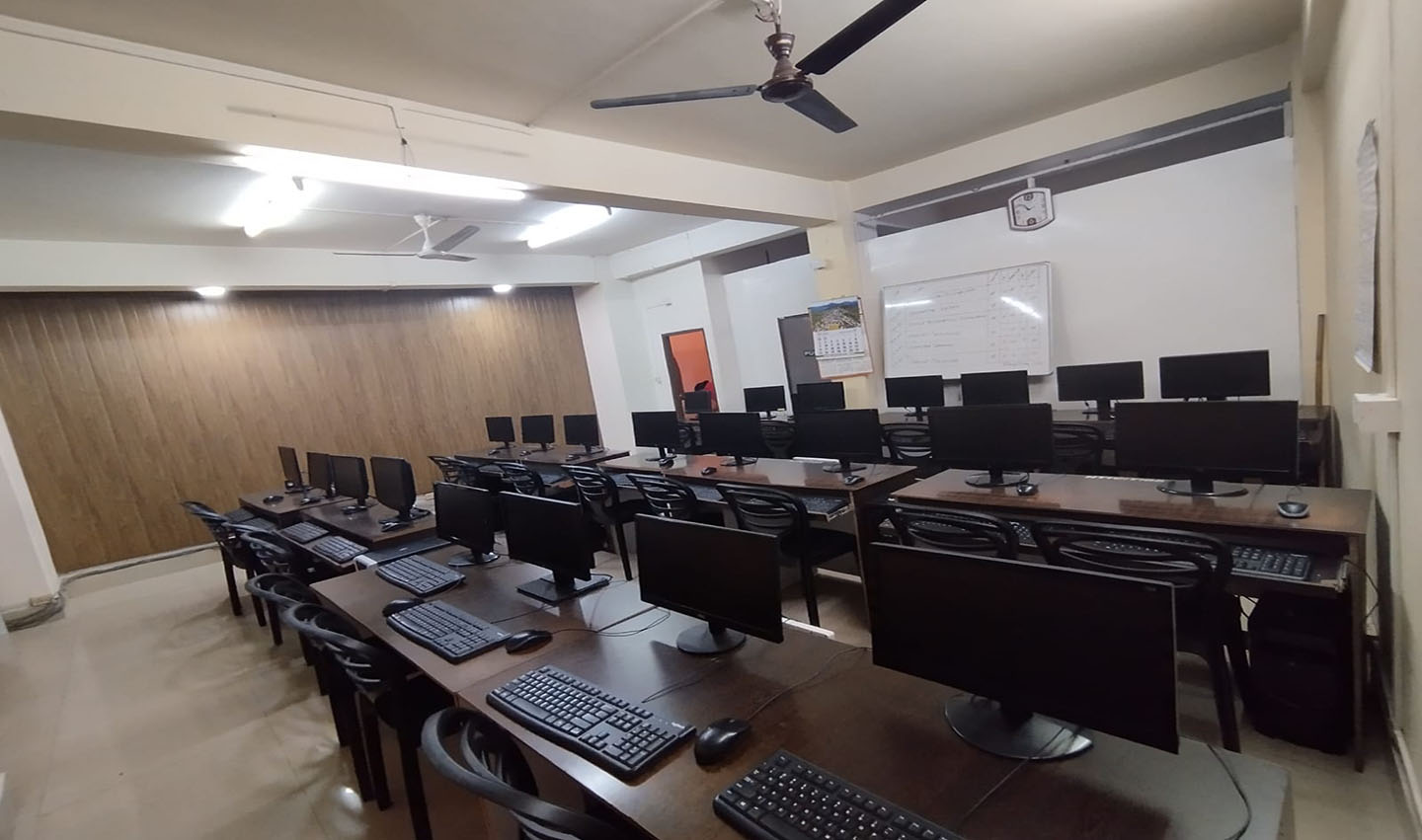
Campus highlights
MSCTE-affiliated computer institute
Practical labs, classroom teaching, and guided tutorials
Offline and online-friendly admission-focused training support
Institute overview
Hi-Tech Institute of Computer has two branches, one at Zarkawt (Near LPS Office) and another at Ramhlun North (Industry peng, Opp. Traffic Point), so students can choose the location that is most convenient for their admission.
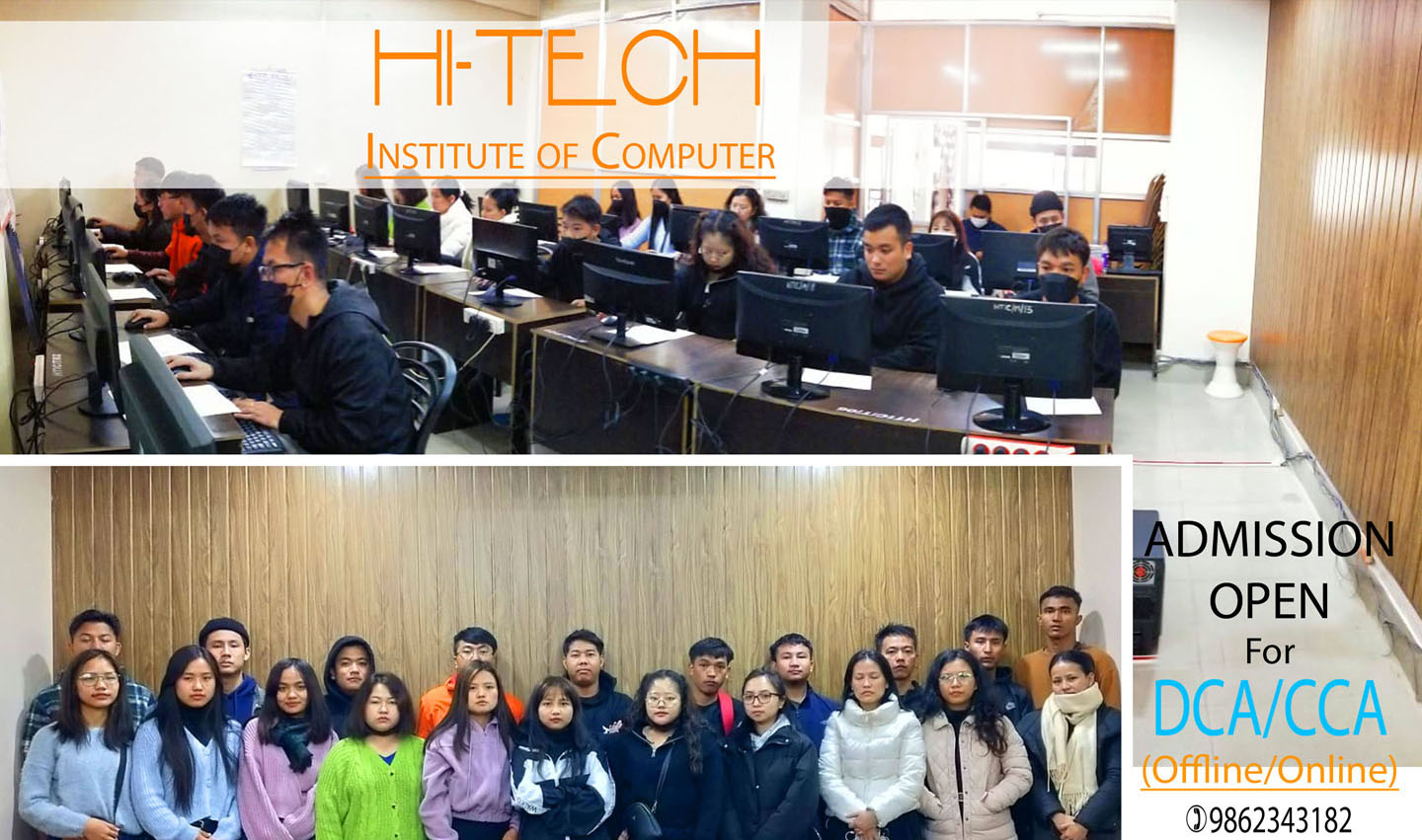
Classes are available in both OFFLINE and ONLINE modes. This makes learning more convenient for students who cannot attend regularly, are busy with work, or want to continue their studies from another location.
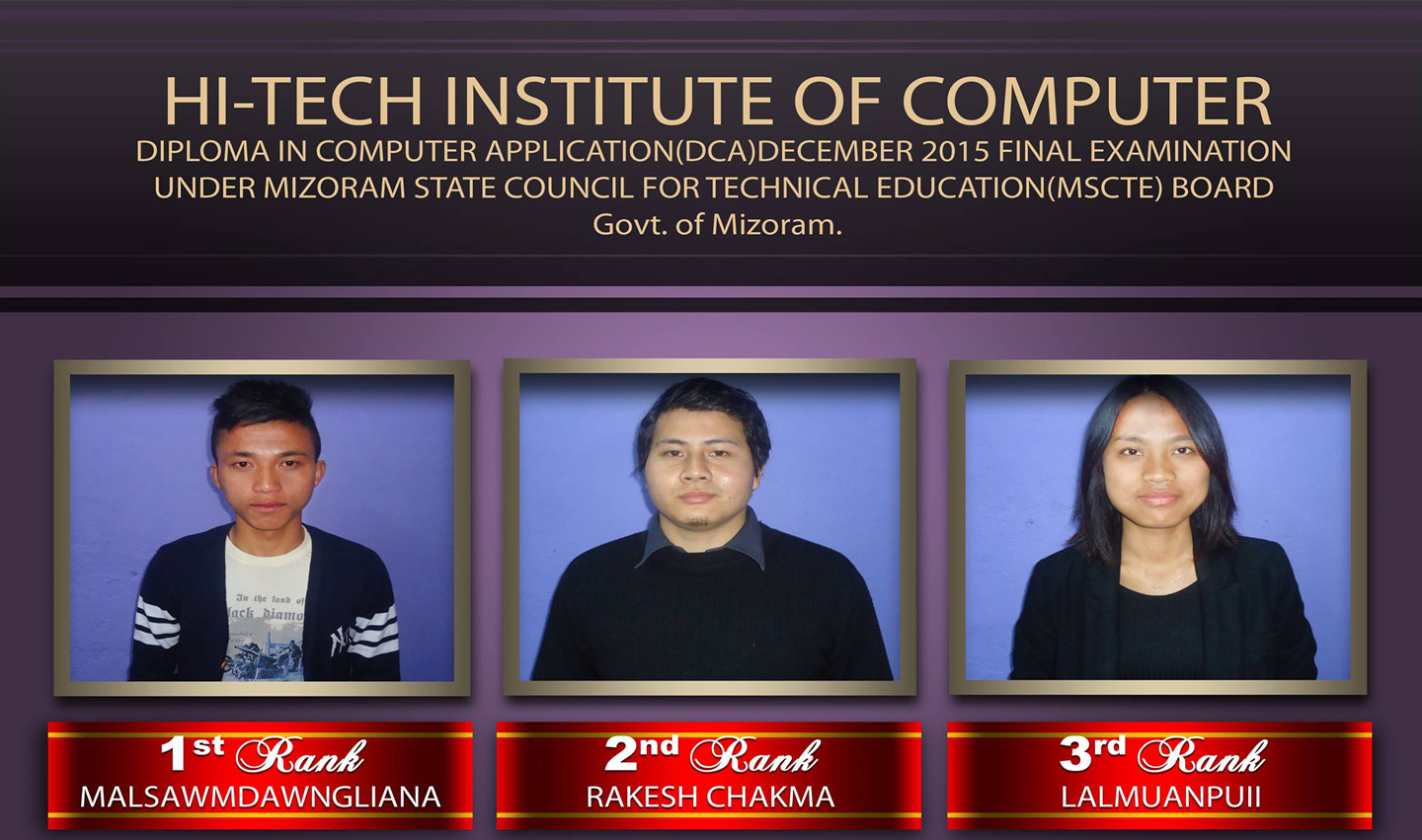
As an institute affiliated with the Mizoram State Council for Technical Education (MSCTE), Government of Mizoram, we provide a trusted environment for students who want strong practical and theory-based computer education.
Branch 01
Near LPS Office
Branch 02
Industry peng, Opp. Traffic Point
Study mode
Students can choose the study mode that fits them best, and the online option also supports a smoother admission and fee payment process.
Available courses
The following courses are available at Hi-Tech Institute of Computer.
Core computer fundamentals, typing practice, office tools, and beginner-friendly digital skills for new learners.
Advance from the first semester into deeper practical work, structured assignments, and confidence-building lab sessions.
Short practical courses in office automation, desktop publishing, and PC hardware maintenance for quick skill development.
DCA Sem-I Course Detail
DCA Sem-I hi Mizoram State Council for Technical Education (MSCTE), Govt. of Mizoram hnuaiah kalpui ani a, practical leh theory uluk taka zirtir an ni. Theory leh practical hi exam hrang hrangin a awm ve ve ani.
Course hi thla 6 chhung zir tur ani a, sawrkarin hnadilna atana a pawm chin a ni. Course fee chu Rs 12000/- a ni.
Nikhat ah darkar 1 class i kal chuan thla 6 chhung class kal tur ani a, nikhat ah darkar 2 class i kal erawh chuan thla 3 chhungin course hi zir zawh theih ani.
Monthly in Rs 2000/- emaw Rs 2500/- emaw a aia tam pawh fee pek theih ani. DCA Sem-I bik hi tuldang avanga class kal hman lo tan mahni in lam atanga awlsam takin online-a kal theih dan pawh kan ngaihtuahpui thei reng e.
Online fee payment
Online fee payment available via GPay 9089612701
DCA Sem-II Course Detail
DCA Sem-II hi DCA Sem-I pass fel hnuah admission tih theih ani a, course hi thla 6 chhung zir tur ani ve leh thung. Course fee chu Rs 12000/- ani.
DCA Sem-II ah hian scholarship dil theihna a awm a, i zirna senso i hmu let leh vek theihna kawng pawh a siam thei.
Online admission i tih duh chuan Sem-I a kan tarlan ang bawk khan form fill-up leh fee payment tih mai tur a ni e.
Apply now
If you would like to apply for admission, click APPLY below, create your student account, and submit your application from the dashboard.
Admission access
Registered users can first create a student account, then use the dashboard to manage the application form, document uploads, and the full admission progress.
Step 1: Create your student account
Step 2: Open your dashboard
Step 3: Fill the form and apply